
The rent receipt is a document issued by the landlord or their representative after the effective collection of rent and charges. It certifies payment for a given period and serves as proof of residence, a document for a mortgage application, or a document required by the CAF. At Foncia, this document is accessible from the online space MyFoncia, without having to visit an agency.
PDF Format and Legal Value of the Foncia Dematerialized Receipt
The receipts generated on MyFoncia are downloadable PDF files. The ALUR law allows for the dematerialized transmission of the rent receipt, provided that the tenant has given prior consent. At Foncia, this consent is usually obtained when creating the online account.
Recommended read : How to Easily Access Your Arkevia Statements and View Your Documents Online
One point to remember: PDF receipts without handwritten signatures are accepted as proof by most organizations, including the CAF and MSA, as long as they include the mandatory information (tenant’s name, property address, amount of rent and charges, relevant period). Knowing how to obtain a Foncia rent receipt first requires checking that your client area is active and up to date.
The general terms of use of MyFoncia specify that the duration of online availability is not unlimited. Documents are kept for several years, but Foncia reserves the right to change this duration. Downloading each receipt as soon as it is available online and storing it locally remains the most reliable precaution, especially for administrative procedures concerning more than three years.
You may also like : How to Easily Convert Measurements in Cooking?

Accessing MyFoncia: Login, Two-Factor Authentication, and Frequent Blocks
The MyFoncia client area is accessible from a web browser or the mobile app, available on smartphones and tablets. Logging in requires the identifier (email address) and password set during account creation.
Since the end of 2023, Foncia has implemented two-factor authentication (2FA) for certain sensitive operations. The validation code is sent via SMS or email. This measure protects access to personal data, but it causes a common blockage: if the registered phone number is no longer active, the validation fails.
Resolving a Connection Issue Related to 2FA
- Check that the phone number associated with your account is still valid. If you have changed your line, update your contact details directly at the Foncia agency.
- If you do not receive the code via SMS, select the email reception option when it is offered.
- If you forget your password, the reset procedure goes through the account email address. Also, check your spam folder.
A valid phone number is now almost essential for fully using the online space. This technical constraint is the primary cause of difficulty reported by Foncia tenants seeking their receipts.
Downloading a Rent Receipt from the MyFoncia Documents Section
Once logged in, the section dedicated to documents groups rent receipts, payment notices, and other documents related to your lease. The receipts are classified by month.
Download Process on MyFoncia
- Go to the “My Documents” or “Documents” section of the main menu in your tenant space.
- Filter by document type to isolate rent receipts from other documents (charge calls, letters).
- Click on the receipt corresponding to the desired period to display it, then use the download button to save it in PDF format.
- Repeat the process for each necessary month. No bulk download option is natively offered.
Receipts only appear after the effective collection of rent. If your payment is being processed or if there has been a bank rejection, the document will not be generated. Check the status of your payment in the dedicated section before contacting the agency.
Missing or Incomplete Receipt: Concrete Remedies
The law of July 6, 1989, requires the landlord to issue a rent receipt free of charge, upon simple request from the tenant. This right also applies when management is entrusted to Foncia.
If a receipt is missing in your MyFoncia space, the first reflex is to send an email to your management agency specifying the relevant period and your lease reference. The Foncia agency has a reasonable time to provide you with the document, but no text specifies a precise number of days.
When the Receipt Serves as Proof for the CAF
For tenants receiving housing allowances, the dematerialized receipt downloaded from MyFoncia is accepted by the CAF and MSA. The PDF file is sufficient, without printing or additional stamping. Keep the original file unchanged, as any alteration of the document could lead to its rejection.
In case of a persistent dispute (receipt never issued despite rent being paid), a formal notice by registered letter remains the most effective leverage. The departmental conciliation commission can also be contacted if the situation persists.
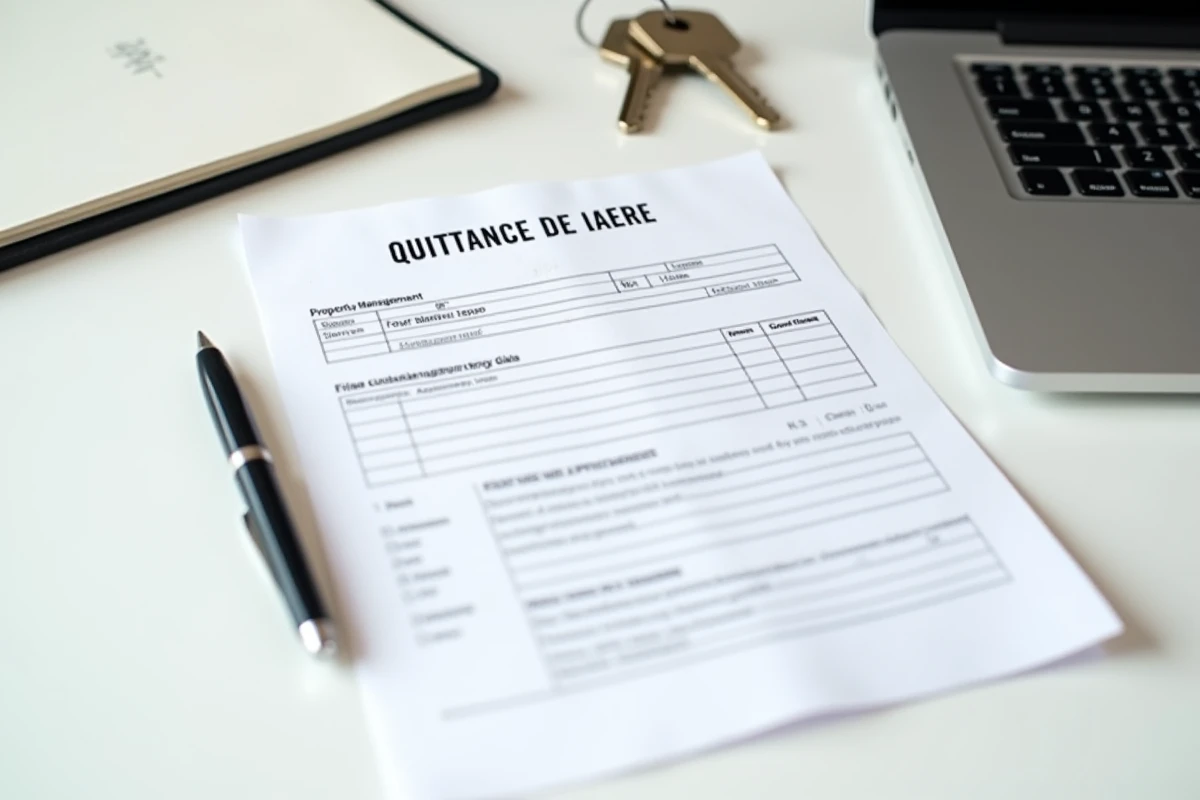
Storing your receipts in a dedicated folder on your computer or a cloud service, named by year and month, avoids relying on the availability of the MyFoncia platform. This local backup reflex transforms an administrative formality into a personal archive that can be accessed at any time, even several years after the end of the lease.