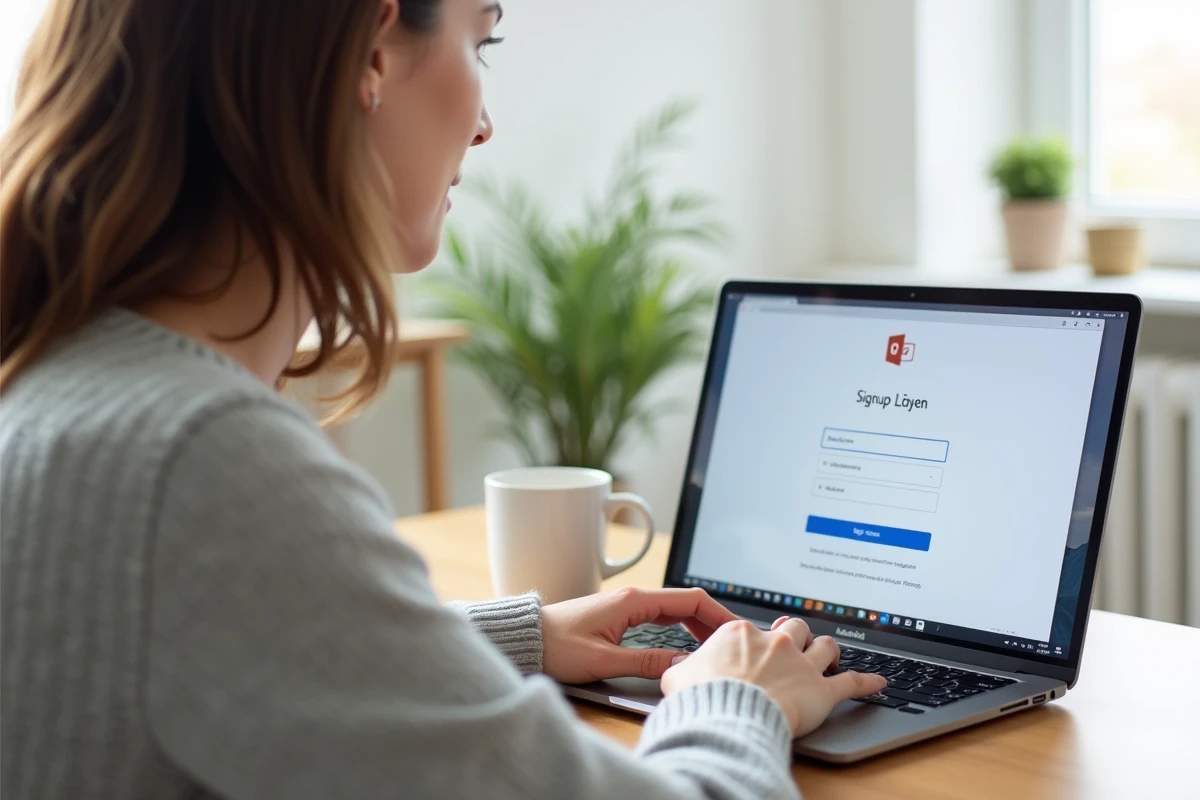
We often want a secondary email address to separate online registrations from personal correspondence, or simply to replace an old inbox that has become unmanageable. Hotmail, acquired by Microsoft and integrated into Outlook.com, remains a solid choice for obtaining a free address in just a few minutes. The process has changed since the migration to the Microsoft ecosystem, and a few details deserve attention before getting started.
Hotmail or Outlook: which email address to choose when signing up
When you arrive on the Microsoft account creation page, a dropdown menu offers several domains: @outlook.fr, @outlook.com, @hotmail.fr, @hotmail.com. The choice of domain does not change the features. You access the same service, the same interface, and the same tools, regardless of the suffix chosen.
The difference is purely cosmetic. An address @hotmail.fr may give a more dated impression to a recruiter, while an address @outlook.com appears more neutral. For personal use (newsletters, online purchases, forums), it doesn’t matter. You choose what you like.
During creation, it is also possible to use an existing email address (Gmail, Yahoo, or other) as a Microsoft account identifier, without generating a new @outlook or @hotmail address. If the goal is indeed to obtain a new inbox, you must select the option “Get a new email address” and not “Use an existing email address”.
This is a frequent source of confusion. To create a free Hotmail email address, you must therefore systematically go through the creation of a Microsoft account from outlook.com or signup.live.com.

Creating a Microsoft Outlook account: concrete steps on computer and mobile
Whether from a PC browser or a smartphone, the procedure is the same. Go to outlook.com, then click on “Create a free account”. Here’s what happens next:
- Enter the desired username and select the domain (@hotmail.fr, @outlook.com, etc.) from the dropdown menu. If the name is already taken, Microsoft suggests variations.
- Set a sufficiently strong password by combining letters, numbers, and symbols.
- Provide your first name, last name, date of birth, and country. This information is used for account recovery in case of loss of access.
- Complete a captcha verification, then confirm. The inbox is immediately accessible.
The entire process takes less than five minutes if the desired username is available. On mobile, the same procedure works via the browser or directly from the Outlook app (free on Android and iOS).
Phone number verification
Microsoft sometimes requests a phone number to confirm identity, especially when creating multiple accounts from the same IP address. This is not always the case, but if the request appears, there is no reliable way to bypass it. Keeping a phone number linked to the account also facilitates recovery in case of a forgotten password.
Securing your Hotmail address: password and modern authentication
Creating the account is quick. Securing it properly takes a few more minutes, and this is where many people rush through.
Microsoft has ended basic authentication (simple password via SMTP) for logins from third-party applications. Outlook/Hotmail accounts now operate with OAuth 2.0, modern authentication. In practice, this means that if you want to use your Hotmail address in an email client like Thunderbird or an older version of Outlook, you need to ensure that this software supports OAuth 2.0.
On the browser side or the official Outlook app, there are no issues. The connection works normally. The problem mainly arises with old email clients that have not been updated.
Enabling two-step verification
In the security settings of the Microsoft account (account.microsoft.com/security), you can enable two-step verification. This option sends a code to your phone or through an authentication app at each login from a new device. It is the most effective protection against hacking a free email account.

Using your free Hotmail address on all devices
The Outlook app is available for free on Windows, macOS, Android, and iOS. You connect your Hotmail or Outlook address by simply entering the address and password. Email, calendar, and contact synchronization is automatic.
The free version displays ads in the interface. Microsoft 365 subscribers do not have this issue, but for standard personal use, the ads remain discreet and do not interfere with reading messages.
A practical detail: you can also add accounts from other providers (Gmail, Yahoo) in the Outlook app, allowing you to centralize multiple email inboxes in one interface. No need to juggle between applications.
Setting up an alias to manage multiple addresses
From the Microsoft account settings, you can create aliases (secondary addresses linked to the same account). An @outlook.fr alias linked to a @hotmail.fr account shares the same inbox. This is useful for providing a different address depending on the context without managing multiple accounts.
Creating a free Hotmail email address remains one of the simplest processes on the web. The real work begins afterward: choosing a strong password, enabling two-factor authentication, and checking that your email software supports OAuth 2.0. These three reflexes prevent most security and connection issues that arise on Microsoft support forums.